 IMG to PDF
  Word to PDF
  Excel to PDF
  JPG to PDF
  PNG to PDF
  Text to PDF
  PPT to PDF
  PDF to Image
  PDF to Word
  PDF to Excel
  PDF to JPG
  PDF to PNG
  PDF to Text
  PDF to PPT
  Word to JPG
  Word to PNG
  IMG to Word
  IMG to PPT
  IMG to Excel
  IMG to Text
  Merge PDF
  Split PDF
  Organize PDF
  OCR PDF
  Delete Page
  Add Page To PDF
  Compress PDF
  PDF Form Filler
  Fill Out PDF
  Create Fillable PDF
  Edit PDF
  Crop PDF
  Sign PDF
  Rotate PDF
  Add Watermark
  Add Number page
  Protect PDF
  Unlock PDF
  Redact PDF
  PDF To PDF/A
  PDF Translator
  IMG To PDF
  Word To PDF
  Excel To PDF
  JPG To PDF
  PNG To PDF
  Text To PDF
  PPT To PDF
  PDF To IMG
  PDF To Word
  PDF To Excel
  PDF To JPG
  PDF To PNG
  PDF To Text
  PDF To PPT
  Word To JPG
  Word To PNG
  IMG To Word
  IMG To PPT
  IMG To Excel
  IMG To Text
0%
Your file has been converted successfully!
Click the button below to download your converted file.


1

Select File

2

Conversion
3

Save
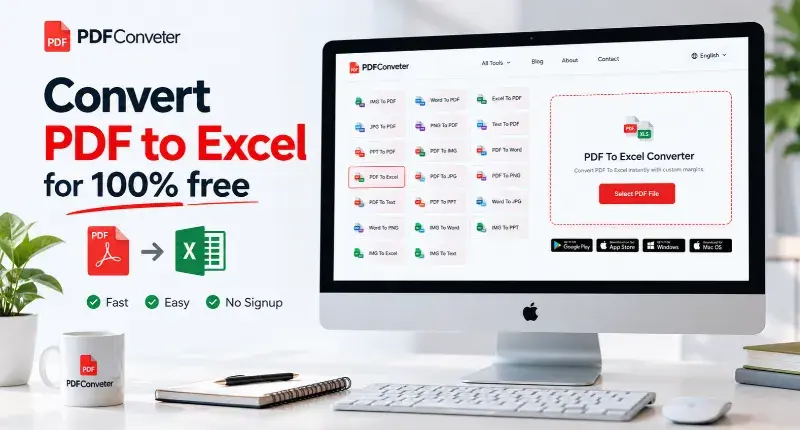

Editable Excel Data
Convert PDF tables and data into Excel spreadsheets that are easy to edit.

Accurate Data Extraction
Extract rows, columns, and table data while maintaining readability and structure.

Faster Data Processing
Reduce manual data entry and save time when working with large datasets.

Easy Spreadsheet Management
Organize, sort, and update extracted data directly within Excel files.

Secure File Processing
Your PDF files are processed securely throughout the conversion process.

No Software Required
Convert PDF to Excel directly from your browser without installing applications.