 IMG to PDF
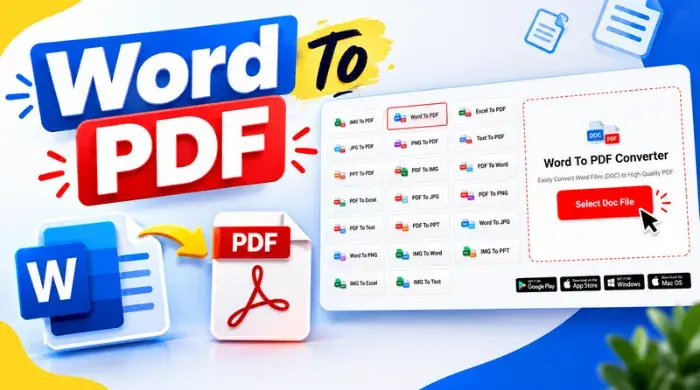
  Word to PDF
  Excel to PDF
  JPG to PDF
  PNG to PDF
  Text to PDF
  PPT to PDF
  PDF to Image
  PDF to Word
  PDF to Excel
  PDF to JPG
  PDF to PNG
  PDF to Text
  PDF to PPT
  Word to JPG
  Word to PNG
  IMG to Word
  IMG to PPT
  IMG to Excel
  IMG to Text
  Merge PDF
  Split PDF
  Organize PDF
  OCR PDF
  Delete Page
  Add Page To PDF
  Compress PDF
  PDF Form Filler
  Fill Out PDF
  Create Fillable PDF
  Edit PDF
  Crop PDF
  Sign PDF
  Rotate PDF
  Add Watermark
  Add Number page
  Protect PDF
  Unlock PDF
  Redact PDF
  PDF To PDF/A
  PDF Translator
  IMG To PDF
  Word To PDF
  Excel To PDF
  JPG To PDF
  PNG To PDF
  Text To PDF
  PPT To PDF
  PDF To IMG
  PDF To Word
  PDF To Excel
  PDF To JPG
  PDF To PNG
  PDF To Text
  PDF To PPT
  Word To JPG
  Word To PNG
  IMG To Word
  IMG To PPT
  IMG To Excel
  IMG To Text
 Your file is ready!
Click the button below to download your converted file.


Select File


Conversion

Save

Preserved Formatting
Our Word to PDF converter keeps layouts, fonts, and design intact, ensuring documents look professional and consistent everywhere.

Device Compatible
Converted PDFs open smoothly across desktops, tablets, smartphones, and operating systems without formatting issues or compatibility concerns.

Secure Processing
The converter protects document structure and content accuracy, preventing unwanted changes while maintaining professional file integrity.

Faster File Sharing
Convert files into compact PDFs that are easier to share, download, store, and access across different platforms.

Print-Ready Documents
The conversion process preserves layouts, fonts, and colors, ensuring high-quality and professional printing results.
Easy PDF Creation
Quickly transform editable Word files into clean, accessible, and professional PDF documents with minimal effort required.