Skip to content

All-In-One PDF Solution

Convert, Edit, And Manage Your Document In Seconds.

Drop your file here

OR

Upload 0%

How to Convert Files into Multiple Formats

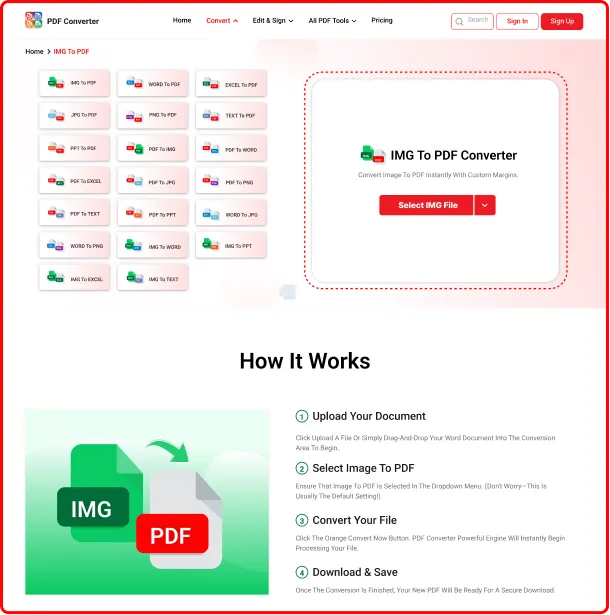
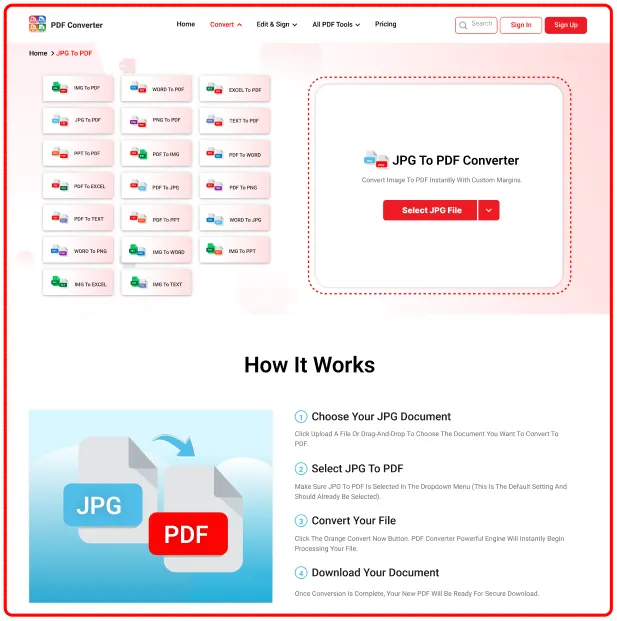
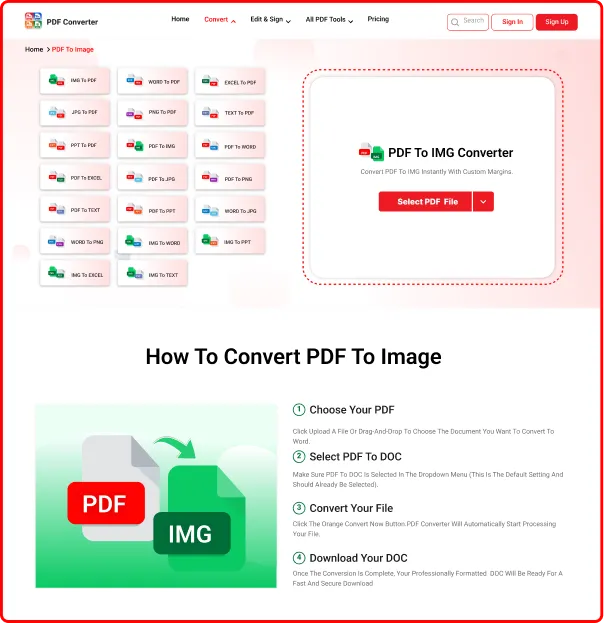
Follow these simple steps to transform your image (JPG, PNG), PDF, TXT, Word, Excel, and PPT into your desired format.​

Convert PDF, Word, Excel, and image files quickly and easily online

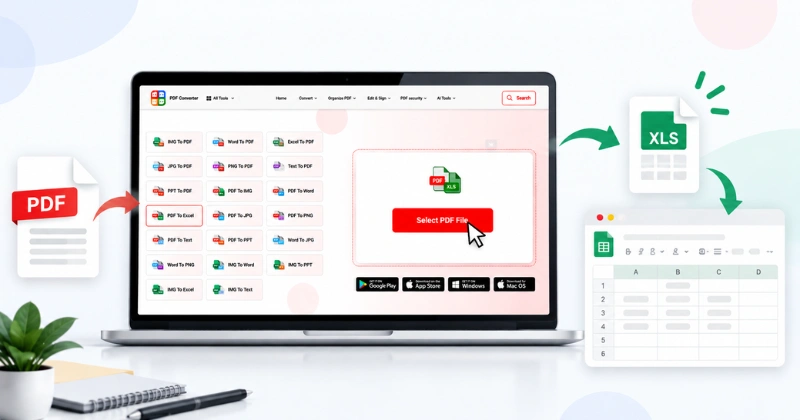
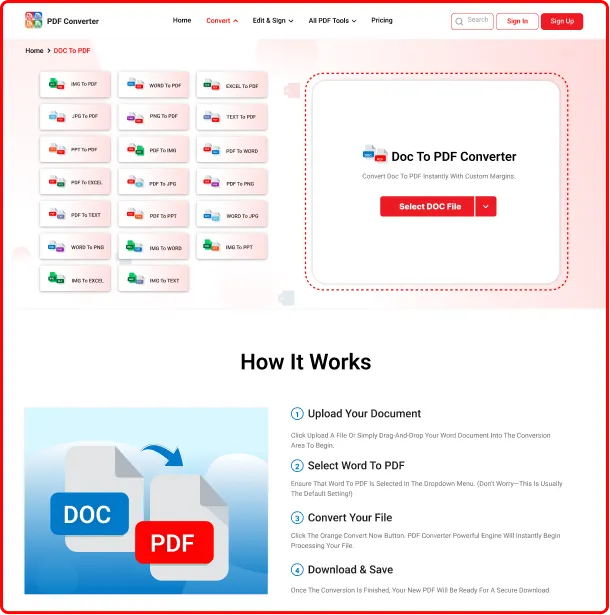
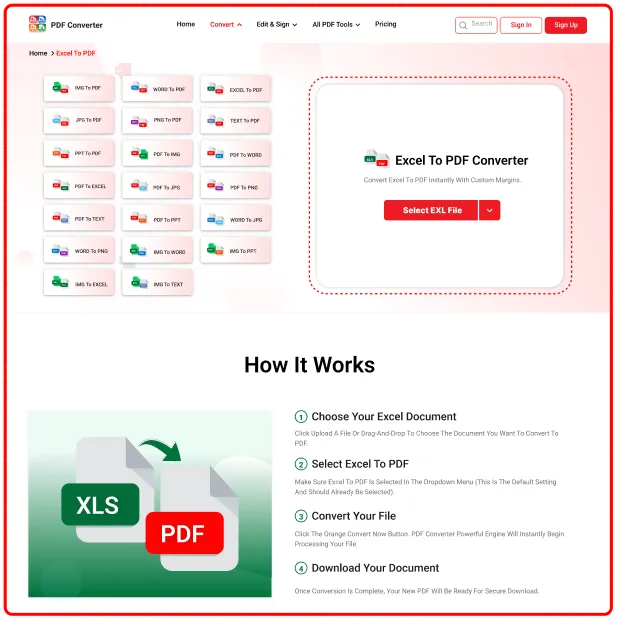
1Upload or Drag & Drop

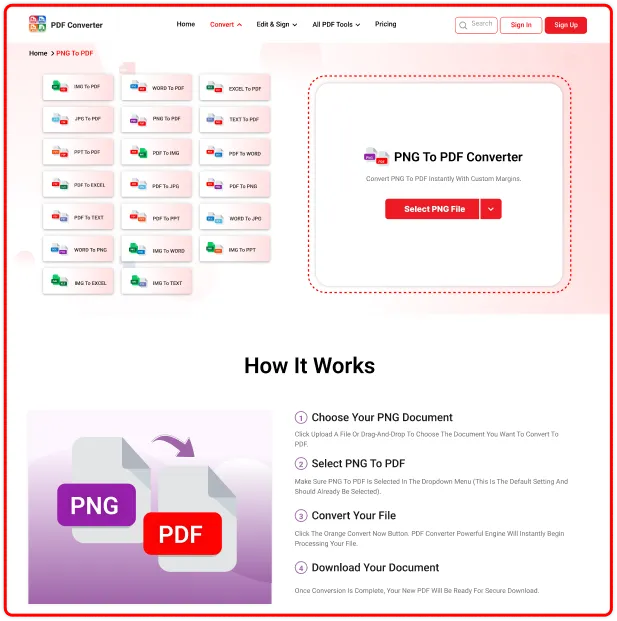
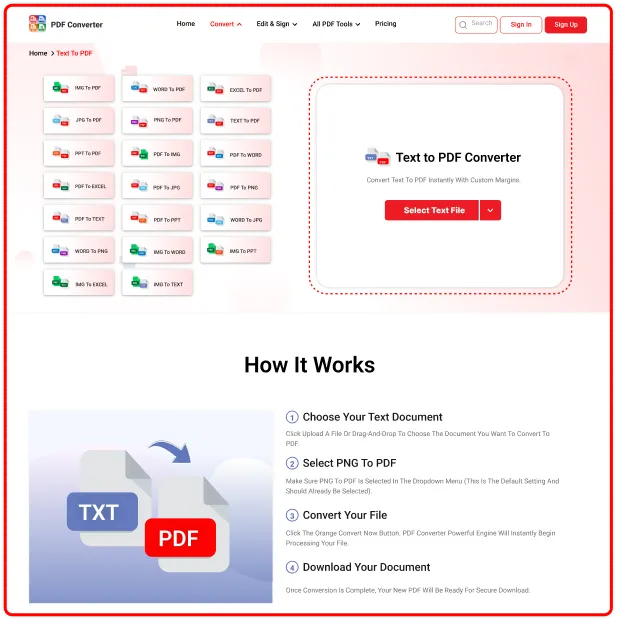
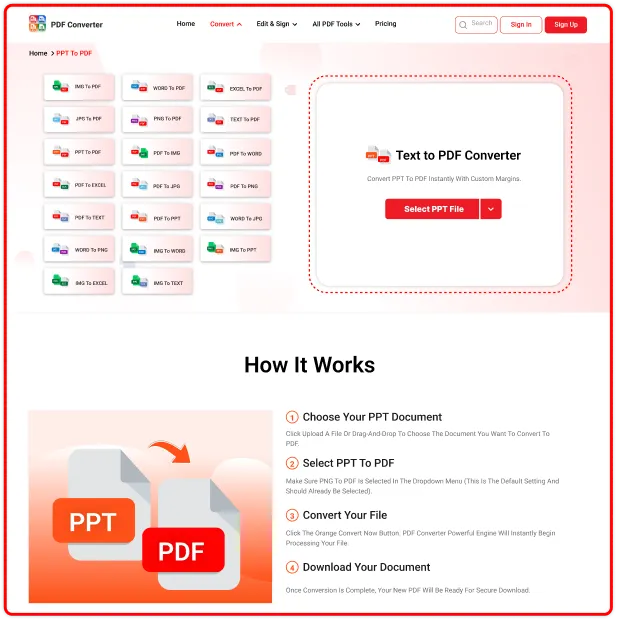
Select your PDF, PNG, Excel, Word, or PPT file from your device or simply drag and drop it into the conversion area.

2Choose Your Settings

While the file uploads, you can select the output quality and page orientation to ensure your document looks perfect.

3Fast & Accurate Conversion

Our powerful AI-driven tool processes your files in seconds, maintaining the original layout without losing any formatting.

Why Choose Our PDF Converter?

Fast & Reliable

Fast & Reliable

Convert files securely in seconds with high-quality standards.

Device Compatibility

Device Compatibility

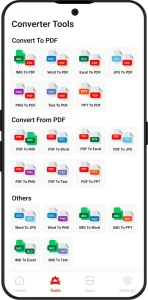
It is designed for Android & iOS devices (Mobile & Tablet, iPhone, iPad)

User-Friendly Interface

User-Friendly Interface

It is clean & smooth, and user-friendly, making PDF management stress-free

Secure & Private

Secure & Private

Your documents are safe here, we never store your files, we follow GDPR, CCPA policy

100% Free to Start

100% Free to Start

Use a high-quality mobile app with no hidden fees for a specific period.

Modern Technology

Modern Technology

Our PDF Converter is built on the latest technology, resulting in a smooth UI.

Highly Experienced & Smart PDF Converter

Manage your PDF workflow with a powerful PDF Converter designed for speed, simplicity, and productivity.
PDF Converter Experience

All Your PDF Tools Anywhere You Go

Convert, edit, compress, and organize PDF files anytime from your phone, tablet, or desktop. This PDF converter is trusted by students, professionals, and businesses worldwide because of

  • 1 Fast Conversion
  • 2 Secure File Processing
  • 3 No Installation Needed
  • 4 Works on Any Device
Yes, absolutely! You can convert your Word, Excel, JPG, and Text files to PDF 100% free of charge. There are no hidden fees, and you don't even need to create an account to get started.Yes, basic PDF conversion tools are available for free and work directly in your browser. but we also offer a premium plan with advanced features.
Yes, our converter preserves the original formatting, images, and layout of your document, ensuring high quality output.
Yes, you can easily convert PDF files back to editable formats like Word, Excel, and PowerPoint.
Yes, your security is our priority. All uploaded files are encrypted using SSL and automatically deleted from our servers after processing.
No, our tool is 100% web-based. You can convert files directly in your browser on any device without installing anything.
Yes, it is fully responsive and works seamlessly on all mobile web browsers, including iOS and Android.

Expert Advice & Quick Tips
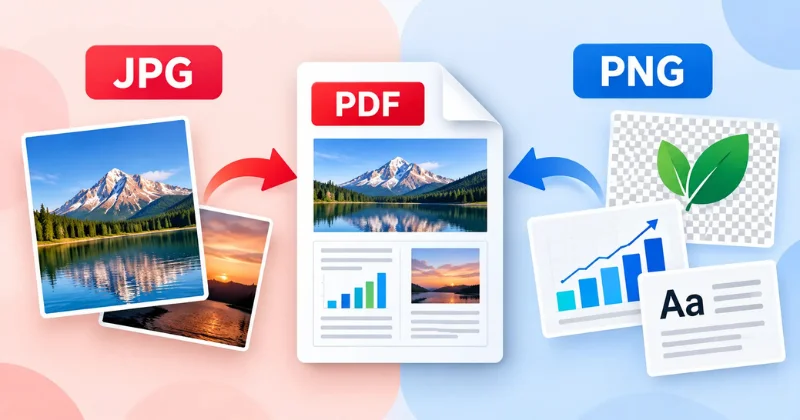
Why is PDF to JPG blurry
How To

Why is PDF to JPG blurry? Causes & Easy Fixes (2026)

PDF to JPG conversions often turn out blurry because JPG uses lossy compression, and many converters export images at a low DPI by default. Using 300 DPI or higher, selecting the highest quality setting, and avoiding image resizing after export will keep your converted JPG sharp and clear. This is one of the most common […]

Invoice PDF being converted to an editable Word document
How To

Easy to Convert Invoice PDF to Word Online Free

You got an invoice PDF, and now you need to change something on it. Maybe the client’s name is wrong. Maybe you want to reuse an old invoice as a new template. The problem is that the file is locked as a PDF, and editing a PDF directly is never simple. The fix is easy. […]

PDF to Word conversion not working
How To

Why Your PDF to Word Conversion Is Not Working (And How to Fix It)

Converting a static PDF into editable Word is a super convenient way to make changes or fix complex issues in a PDF. However, PDF to Word conversion does not always work smoothly; it can fail for several reasons: a damaged file, password protection, image-based documents that need OCR, browser problems, or even it can be […]