Expert Advice & Quick Tips
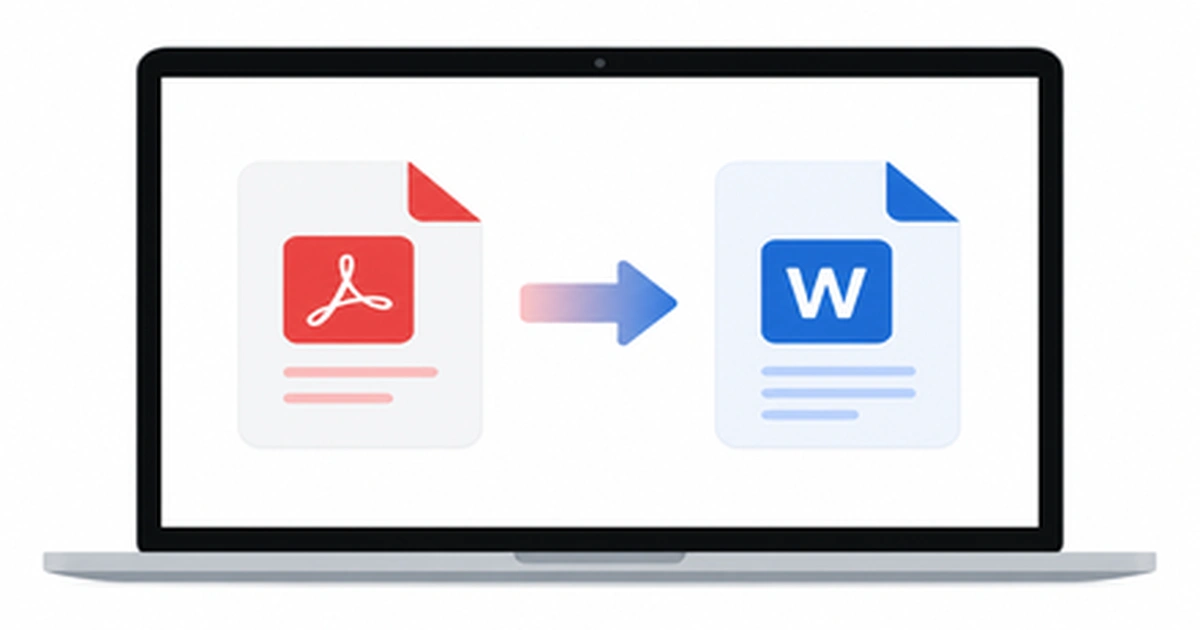
How to Convert PDF to Word on Mac (5 Easy Ways)
Working with a PDF on your Mac is easy until you need to actually edit the text inside it. Maybe you received a contract that needs a quick edit, or a report you want to update before sending it back. The moment you try to change anything, you realize PDFs simply aren’t built for editing. […]
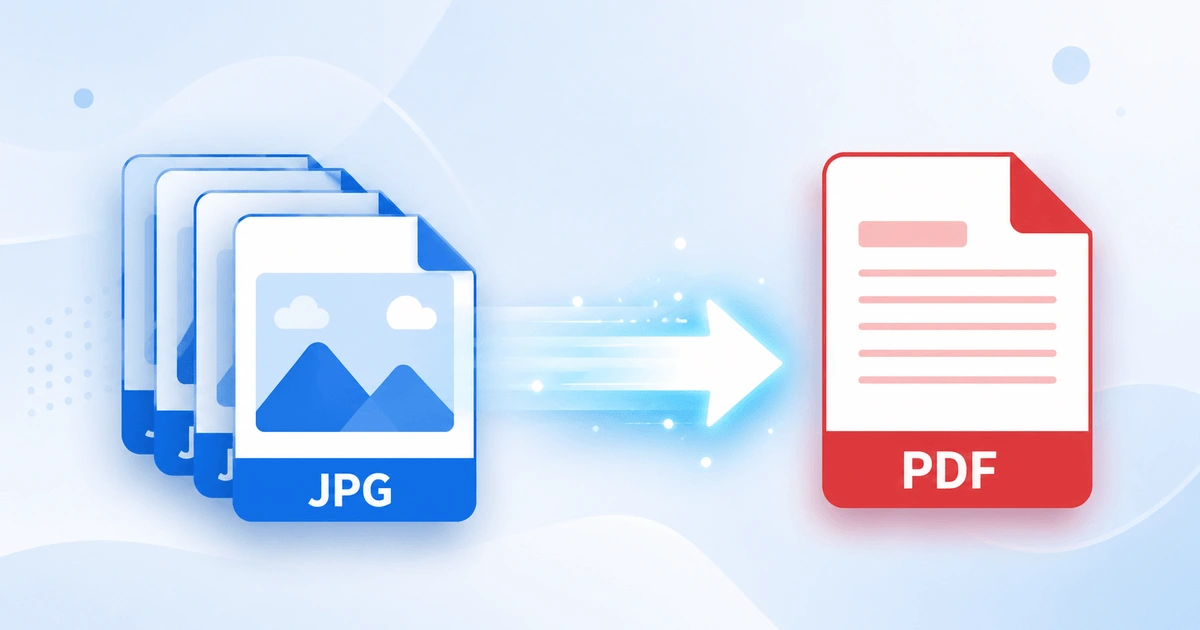
How to Convert JPG to PDF in Seconds (Free & Easy Guide)
Need to turn a JPG image into a PDF file quickly? How to Convert JPG to PDF in Seconds? Simply upload your JPG image, convert it into a high-quality PDF, and download the file instantly. In this case, you don’t need to install software or have technical skills. Here you can scan documents, receipts, invoices, […]
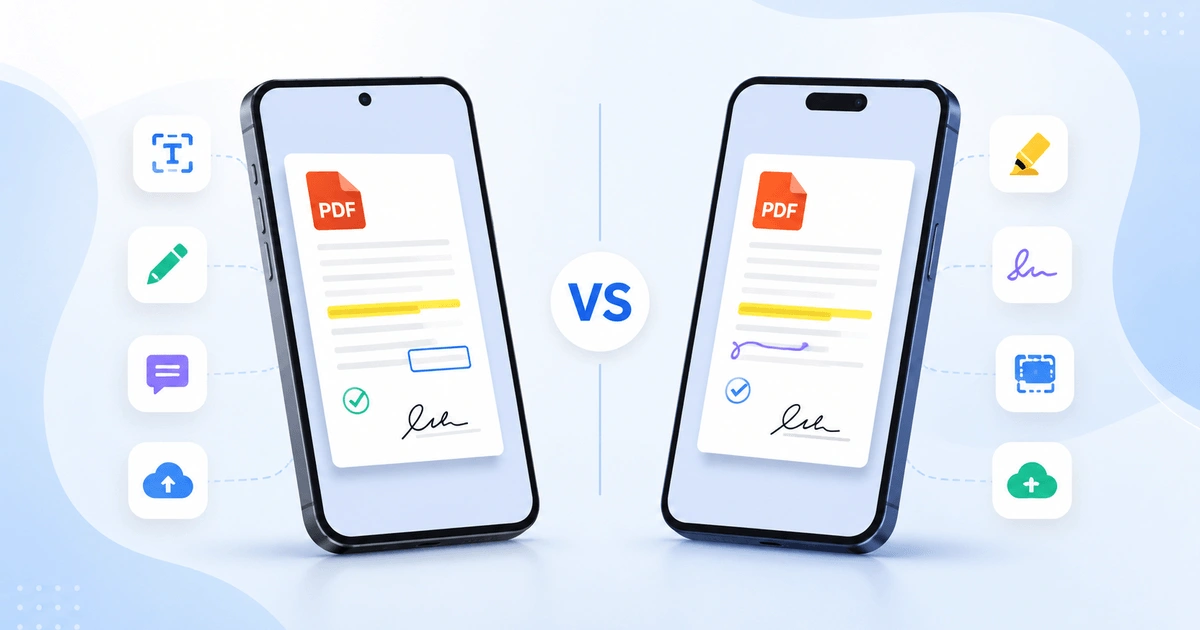
Android vs iPhone PDF Apps: Which Is Better in 2026?
Opening a PDF is simple on any smartphone, but viewing, editing, signing, and organizing PDFs is where Android and iPhone start to differ. Whether you are a student annotating lecture notes, a professional signing contracts, opening receipts, or scanning documents, the platform you use affects your overall PDF experience. This guide compares Android vs iPhone […]