Your file is ready!
How to Sign a PDF Online
1Upload File
Upload your sign file from your device, then your document will be visible, and the sign option will be shown here.
2Modify Sign
In this stage, an editing box will be shown to edit and modify the sign, including changing the font, color, etc.
3Download
After giving and editing the signature, click the save button to download it to your device.
Verified User Reviews & Ratings
Sophie Laurent
Country: France
I regularly sign business documents online, and this has become my preferred tool. It's simple, fast, and saves me from printing and scanning paperwork.
Lukas Schneider
Country: Germany
The signing process was straightforward, even for someone who doesn't use PDF tools often. I signed and shared my document in less than a minute.
Matteo Rossi
Country: Denmark
Very convenient for contracts and approval forms. The signature was added cleanly, and the final PDF maintained its original quality.
Anna Kowalska
Country: Poland
I used it to sign several work-related documents. Everything worked smoothly, and I appreciated how easy it was to upload, sign, and download the file.
Frequently Asked Questions
Signing a PDF lets you add your signature digitally, eliminating the need to print, sign by hand, and scan it again.
Online PDF signing is faster, more convenient, and helps you complete paperwork from anywhere using any device.
Yes, digital signing can reduce a process that normally takes hours or days to just a few minutes.
Yes, you can. Our stunning PDF signing tool works on smartphones, tablets, laptops, and desktop computers.
Yes, A signed PDF maintains its original layout and appearance while adding your signature neatly to the document.
Definitely, freelancers, consultants, and remote teams often use PDF signing tools to complete paperwork quickly without printing documents.
Expert Advice & Quick Tips
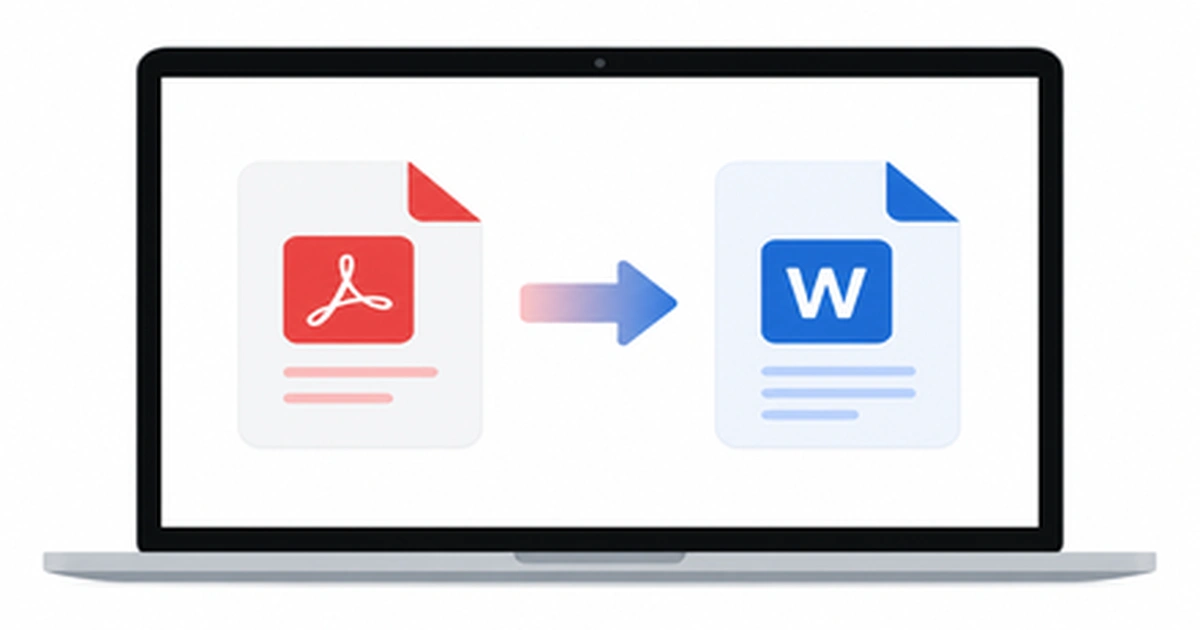
How to Convert PDF to Word on Mac (5 Easy Ways)
Working with a PDF on your Mac is easy until you need to actually edit the text inside it. Maybe you received a contract that needs a quick edit, or a report you want to update before sending it back. The moment you try to change anything, you realize PDFs simply aren’t built for editing. […]
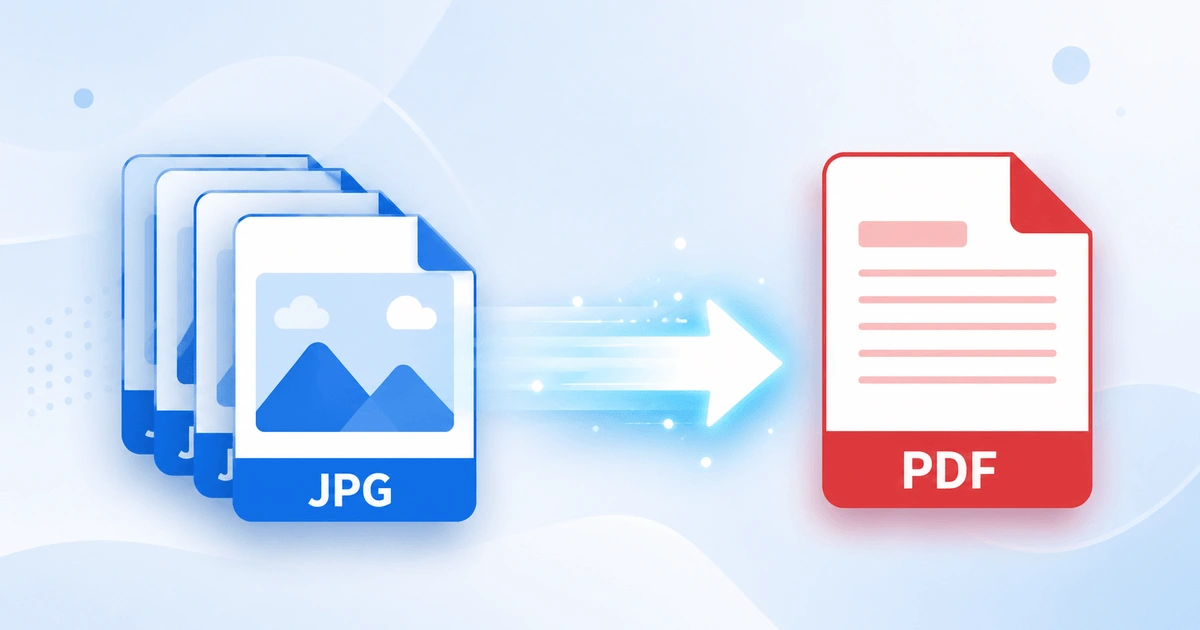
How to Convert JPG to PDF in Seconds (Free & Easy Guide)
Need to turn a JPG image into a PDF file quickly? How to Convert JPG to PDF in Seconds? Simply upload your JPG image, convert it into a high-quality PDF, and download the file instantly. In this case, you don’t need to install software or have technical skills. Here you can scan documents, receipts, invoices, […]
Android vs iPhone PDF Apps: Which Is Better in 2026?
Opening a PDF is simple on any smartphone, but viewing, editing, signing, and organizing PDFs is where Android and iPhone start to differ. Whether you are a student annotating lecture notes, a professional signing contracts, opening receipts, or scanning documents, the platform you use affects your overall PDF experience. This guide compares Android vs iPhone […]