



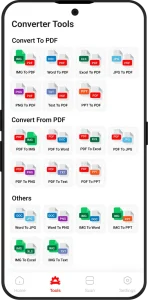
PDF Converter Free Online Tools
Edit, Convert, Create, And Manage PDFs Directly In Your Browser With PDF Converter Comprehensive Suite Of Online Tools.
The People Behind Our 5-Star Reviews
Sarah Mitchell
Country: Canada
I needed to send some scanned invoices to my accountant, but they were all saved as images. I used the Convert to PDF feature and combined everything into one clean PDF in just a few minutes. It saved me hours.
Radhika Sharma
Country: India
I noticed a small mistake in a contract right before sending it to a customer. Instead of creating a new document, I used the Edit PDF feature to update the text directly. The process was simple and efficient.
Markus Vogel
Country: Country: South Africa
I was applying for a visa and needed to remove some extra blank space from my scanned documents. I cleaned up every page without affecting the quality by using the crop PDF option.
Emily Carter
Country: Australia
I work remotely and often need to approve documents while traveling. Recently, I received an agreement that needed my signature the same day. The Sign PDF feature helped me sign and return it from my laptop in less than five minutes.
All Your PDF Tools Anywhere You Go
Convert, edit, compress, and organize PDF files anytime from your phone, tablet, or desktop. This PDF converter is trusted by students, professionals, and businesses worldwide because of
- 1 Fast Conversion
- 2 Secure File Processing
- 3 No Installation Needed
- 4 Works on Any Device
Yes. Our Edit PDF feature lets you update text and images without creating a new file.
Upload your file, select the area to keep, and apply the Crop PDF tool. Extra space will be removed instantly.
Our Convert from PDF tool preserves text, images, and layout as accurately as possible.
Absolutely. Use Sign PDF to create or upload your signature and apply it digitally.
Yes. The Rotate PDF feature allows you to adjust page orientation quickly.
Yes. With Convert to PDF, you can merge images, Word, Excel, and other supported files into one PDF.
Expert Advice & Quick Tips
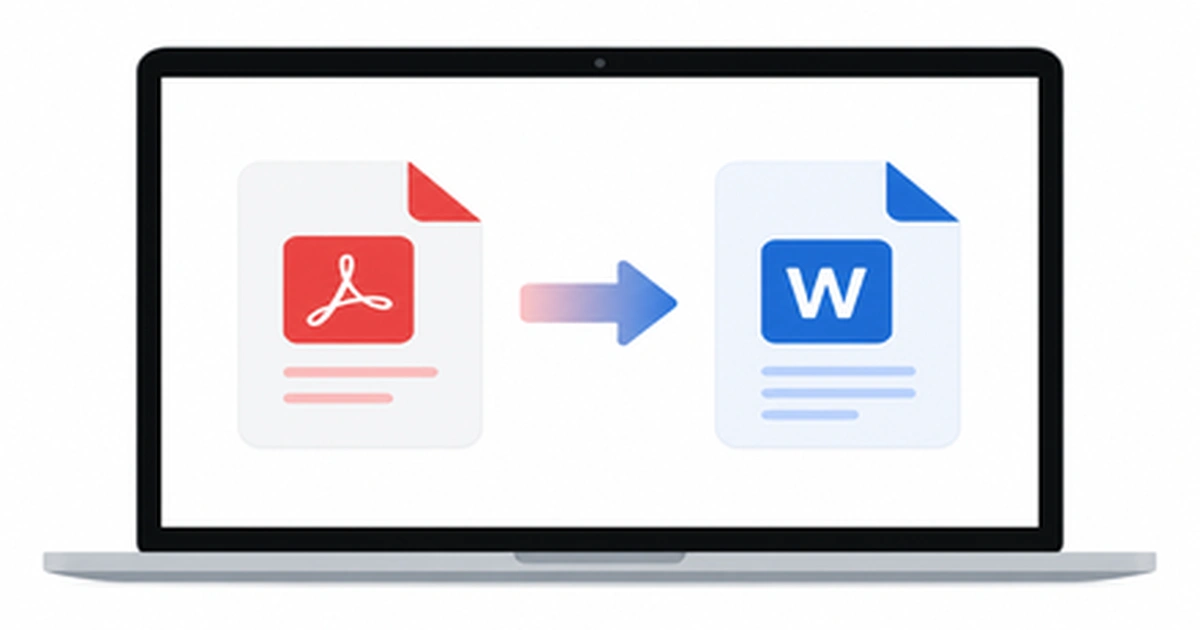
How to Convert PDF to Word on Mac (5 Easy Ways)
Working with a PDF on your Mac is easy until you need to actually edit the text inside it. Maybe you received a contract that needs a quick edit, or a report you want to update before sending it back. The moment you try to change anything, you realize PDFs simply aren’t built for editing. […]
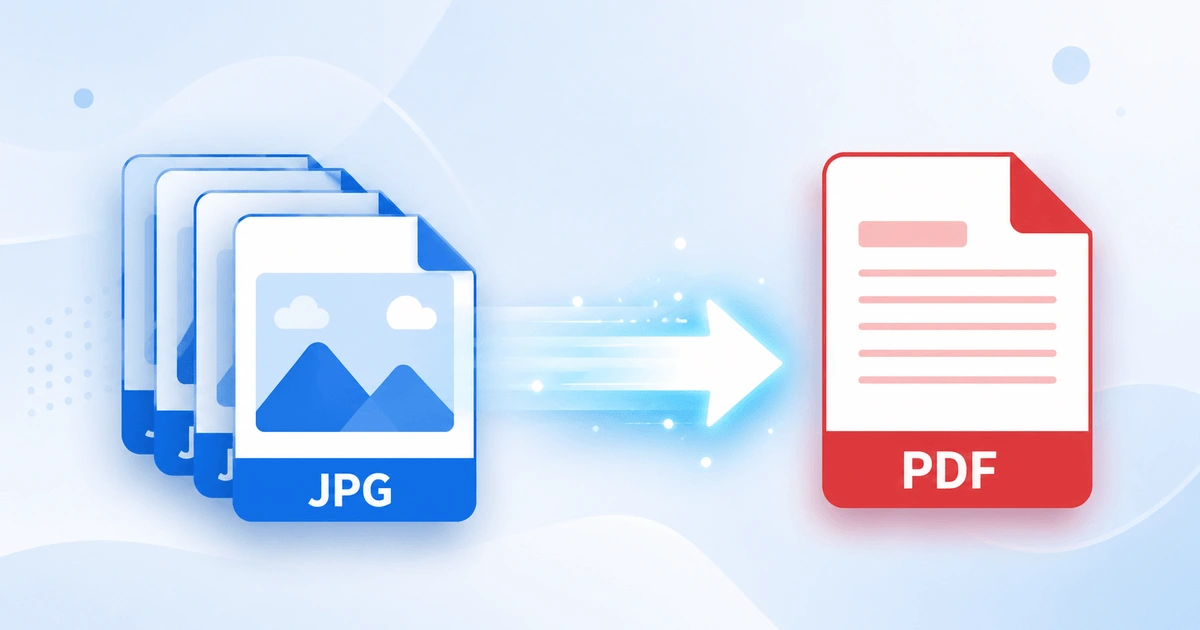
How to Convert JPG to PDF in Seconds (Free & Easy Guide)
Need to turn a JPG image into a PDF file quickly? How to Convert JPG to PDF in Seconds? Simply upload your JPG image, convert it into a high-quality PDF, and download the file instantly. In this case, you don’t need to install software or have technical skills. Here you can scan documents, receipts, invoices, […]
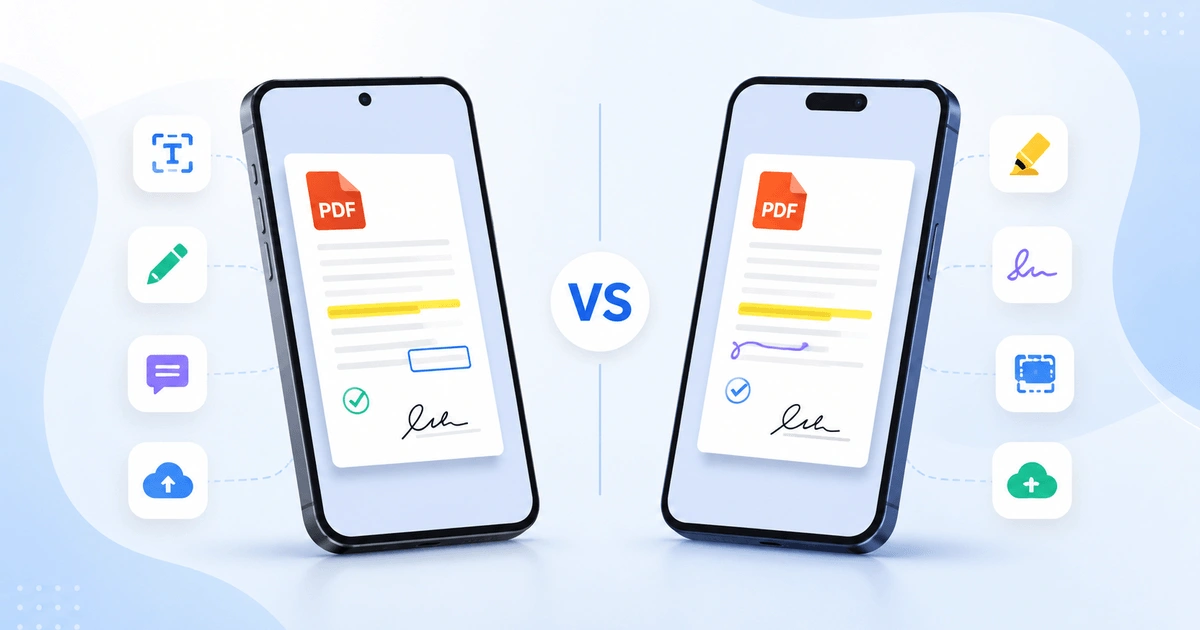
Android vs iPhone PDF Apps: Which Is Better in 2026?
Opening a PDF is simple on any smartphone, but viewing, editing, signing, and organizing PDFs is where Android and iPhone start to differ. Whether you are a student annotating lecture notes, a professional signing contracts, opening receipts, or scanning documents, the platform you use affects your overall PDF experience. This guide compares Android vs iPhone […]