Your file is ready!
How to Edit a PDF Online
1Upload Your PDF File to Edit
Drag and drop or upload the document from your device or Dropbox into the PDF convert box to start editing.
2Modify Your PDF Online
When your page opens, move the cursor over the field to be edited to insert text and images. Alternatively, you can sign or rearrange pages, create and fill forms, or merge your document.
3Download Your PDF file
Click on Export file to download, send by email, print, or save to Dropbox or OneDrive. Good to know: before downloading your PDF, you can compress or convert it into another format (Word, JPG, PNG, Excel, PPT, SVG).
Experiences Shared by Our Users
Daniel Brooks
Country: United Kingdom
Most PDF editors I've tried felt overly complicated. This one is straightforward and does exactly what it promises. I was able to edit and download my document within a minute.
Sophie Laurent
Country: France
I regularly edit PDF reports for work, and this tool has saved me a lot of time. The interface is clean, easy to understand, and perfect for quick document updates.
Lukas Schneider
Country: Germany
As someone who works with PDFs daily, I appreciate tools that are fast and efficient. This PDF editor helped me modify forms and business documents without any hassle.
James Carter
Country: United States
I only needed to update a few details in a PDF contract, and this PDF editor made it incredibly simple.
Frequently Asked Questions
A PDF Editor allows you to modify PDF documents by adding, updating, organizing, or managing content without converting the file to another format.
Online PDF editors let you make changes quickly from any device without installing additional software.
Yes, our PDF editor preserves document quality while allowing you to make necessary updates.
Yes, our PDF editor is designed to help users modify existing PDFs when updates are needed.
Yes, our modern and advanced PDF editors work across desktops, tablets, and smartphones, making document management more convenient.
Yes, you can. Our PDF editors are widely used in thousands of offices, educational institutions, legal firms, and businesses worldwide.
Expert Advice & Quick Tips
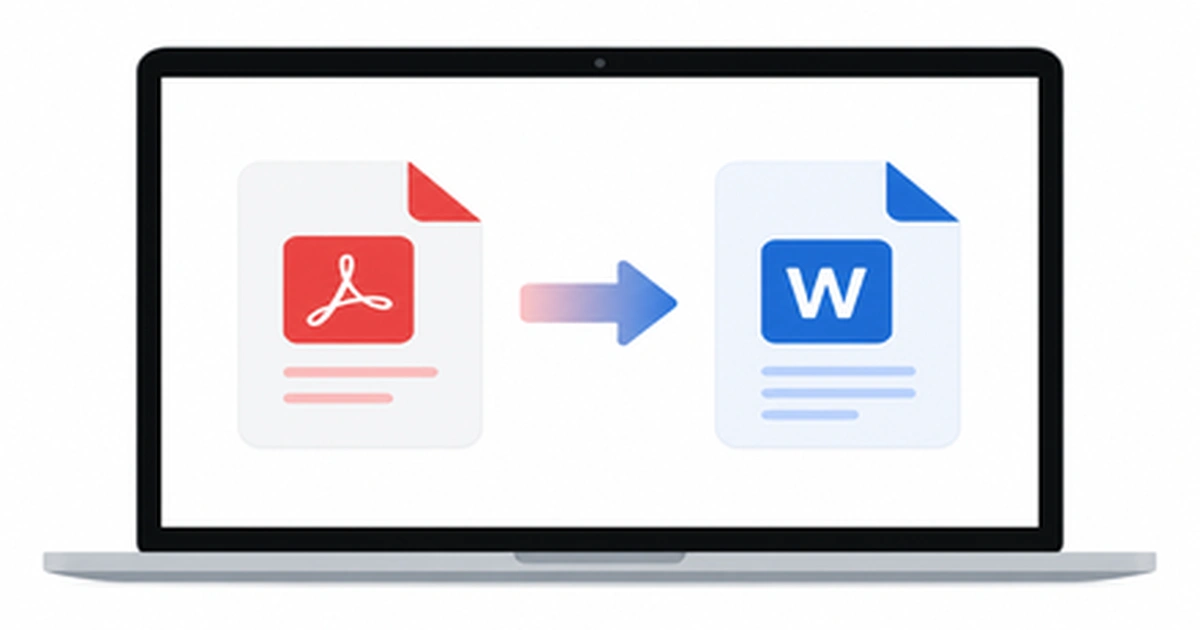
How to Convert PDF to Word on Mac (5 Easy Ways)
Working with a PDF on your Mac is easy until you need to actually edit the text inside it. Maybe you received a contract that needs a quick edit, or a report you want to update before sending it back. The moment you try to change anything, you realize PDFs simply aren’t built for editing. […]
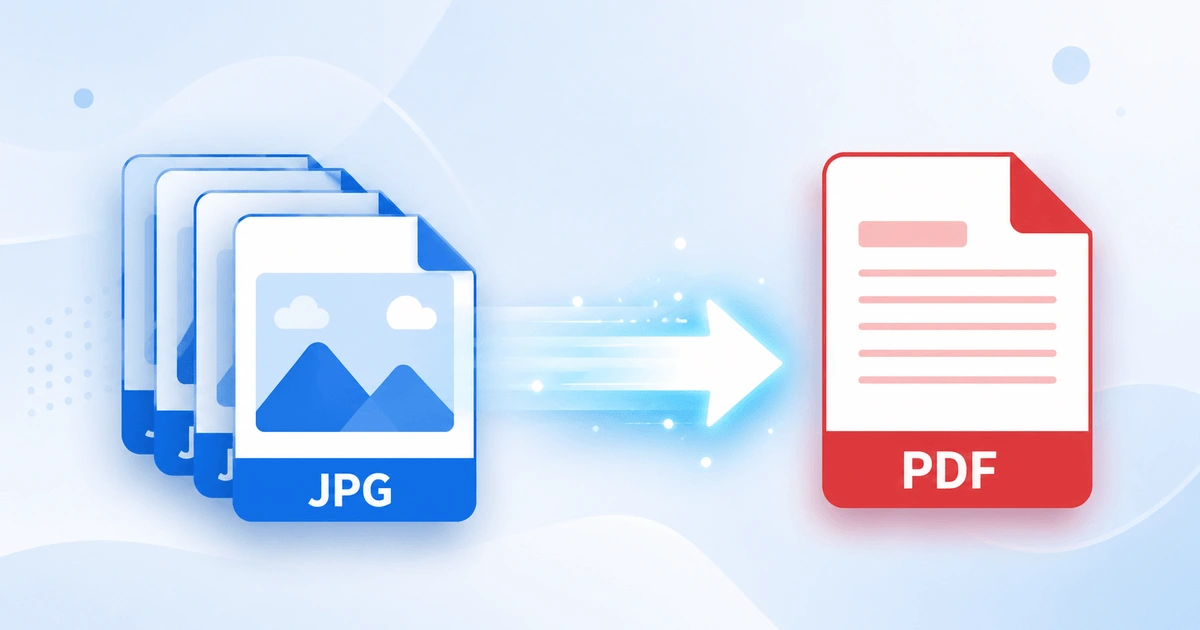
How to Convert JPG to PDF in Seconds (Free & Easy Guide)
Need to turn a JPG image into a PDF file quickly? How to Convert JPG to PDF in Seconds? Simply upload your JPG image, convert it into a high-quality PDF, and download the file instantly. In this case, you don’t need to install software or have technical skills. Here you can scan documents, receipts, invoices, […]
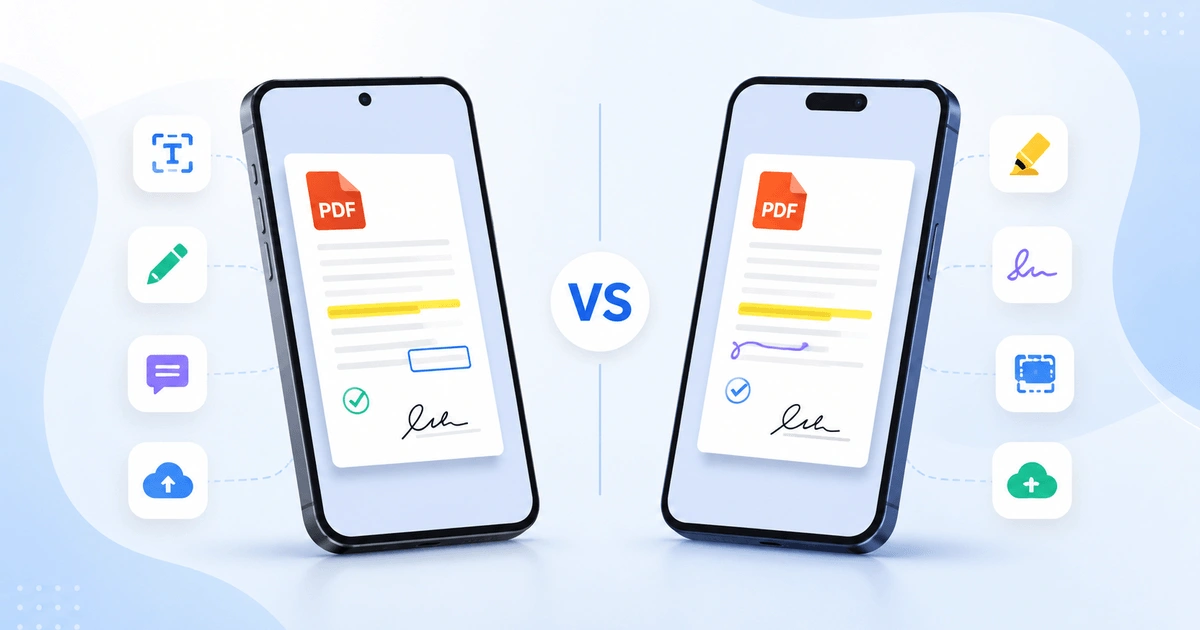
Android vs iPhone PDF Apps: Which Is Better in 2026?
Opening a PDF is simple on any smartphone, but viewing, editing, signing, and organizing PDFs is where Android and iPhone start to differ. Whether you are a student annotating lecture notes, a professional signing contracts, opening receipts, or scanning documents, the platform you use affects your overall PDF experience. This guide compares Android vs iPhone […]