
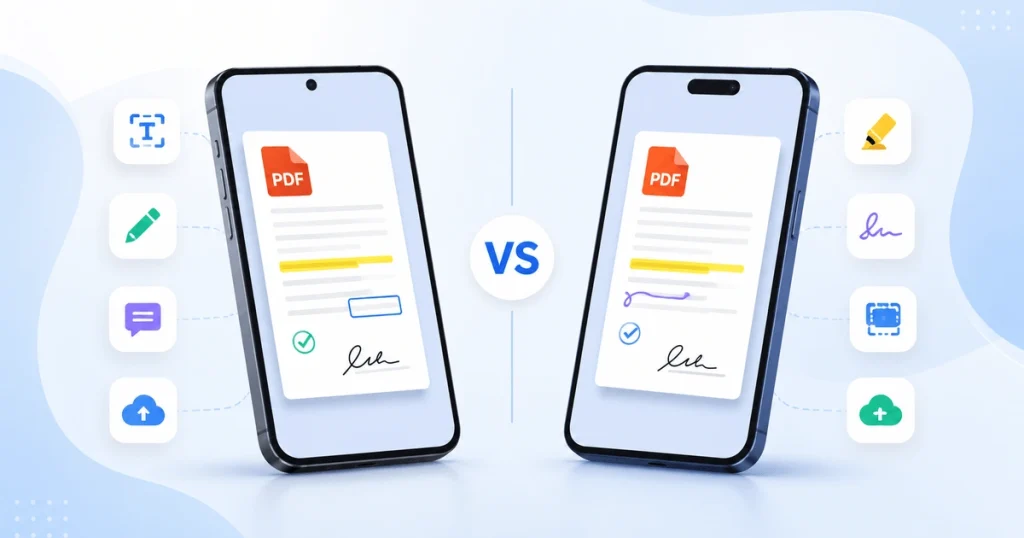
Opening a PDF is simple on any smartphone, but viewing, editing, signing, and organizing PDFs is where Android and iPhone start to differ. Whether you are a student annotating lecture notes, a professional signing contracts, opening receipts, or scanning documents, the platform you use affects your overall PDF experience. This guide compares Android vs iPhone PDF apps, explores built-in PDF tools, highlights popular apps on each platform, and helps you decide which option is best for your needs.
Why PDF Apps Matter
PDF files are used every day for work, study, business, and personal tasks. A good PDF app does more than just open documents. It helps you read, edit, organize, and share PDF files easily.
Common PDF tasks on smartphones include:
- Reading PDF documents
- Highlighting important text
- Adding notes and comments
- Signing forms and contracts
- Filling out PDF forms
- Sharing documents with others
A good PDF app makes these everyday tasks faster, easier, and more convenient.
Android vs iPhone PDF Apps: Built-In PDF Support
Android and iPhone take different approaches to handling PDF files. While both platforms can open and view PDFs. Their (Android & iOS) built-in tools offer different levels of functionality.
Android
Android does not provide a single built-in PDF solution across all devices. The experience depends on your phone manufacturer, browser, and installed applications.
Most Android users rely on:
- Google Drive
- Google Chrome
- Manufacturer-provided document viewers
- Third-party PDF apps
Basic PDF viewing works well on Android, but advanced features such as editing, annotating, and signing documents often require additional apps.
iPhone
iPhone provides a more complete PDF experience right out of the box. Many common PDF tasks can be handled using Apple’s built-in tools.
Apple includes:
- Files app
- Markup
- Apple Books
With Markup, users can:
- Highlight text
- Draw on PDFs
- Add signatures
- Insert shapes
- Add text boxes
For users who only need basic PDF editing and annotation. The iPhone often works well without downloading any additional software.
Verdict: iPhone offers a more complete built-in PDF experience, while Android relies more heavily on third-party apps for advanced features.
Popular PDF Apps for Android in 2026
Android users have access to many powerful PDF apps. These apps support a wide range of tasks, including PDF viewing, editing, annotation, conversion, document scanning, form filling, and electronic signatures. Here are some of the most popular PDF apps for Android in 2026.
PDF Converter: Scanner & Maker
PDF Converter: Scanner & Maker is a versatile Android app that supports PDF conversion, document scanning, image-to-PDF creation, PDF compression, and basic PDF editing. It is a convenient option for users who need multiple PDF tools in a single application.
WPS Office
WPS Office combines PDF tools with document, spreadsheet, and presentation editing. It is a practical choice for users who want an all-in-one productivity app.
Foxit PDF Reader
Foxit is known for being lightweight and fast. It provides strong PDF viewing and annotation features while using fewer device resources.
Popular PDF Apps for iPhone in 2026
Like Android, iPhone offers several excellent PDF apps. In addition to Apple’s built-in tools, users can install third-party apps that provide advanced features for editing, annotating, signing, and managing PDF documents.
Apple Markup
Built into every iPhone, Markup covers many everyday PDF tasks without requiring an additional download.
Apple Books
Apple Books provides a clean and simple PDF reading experience. It works especially well for manuals, forms, receipts, and saved articles.
PDF Expert
PDF Expert offers advanced PDF editing, annotation, and file management features within the Apple ecosystem.
Adobe Acrobat
Adobe Acrobat is also available on iPhone and remains one of the most reliable options for business users who frequently work with PDF documents.
Android vs iPhone PDF Apps: Feature Comparison
If you’re trying to decide between Android and iPhone for PDF work, the comparison below highlights the key differences. Both Android and iPhone offer strong PDF apps, but the overall experience depends on the features you need most. The table below summarizes the most important PDF features available on each platform.
| Feature | Android | iPhone |
| Built-in PDF Viewer | Varies by device and manufacturer | Consistent across all devices |
| Built-in Annotation | Limited or unavailable by default | Yes, through Markup |
| PDF Signing | Usually requires a third-party app | Built-in through Markup |
| Stylus/Pencil Support | Varies by device and app | Strong native Apple Pencil integration |
| OCR / Text Recognition | Available in select apps such as Adobe Scan and Microsoft Lens | Available in select apps and built into on-device scanning tools |
| Cloud Integration | Strong integration with Google Drive | Strong integration with iCloud |
| Exclusive PDF Apps | Few exclusives; most PDF apps are cross-platform | Some apps are iOS-only, such as PDF Expert |
Android vs iPhone PDF Apps: Pros and Cons
Both Android and iPhone offer excellent PDF experiences, but each platform has its own strengths and limitations. Understanding these differences can help you choose the option that best fits your workflow and preferences.
| Platform | Pros | Cons |
| Android | More PDF app choices, better customization, strong Google integration, and wider device selection | Built-in PDF tools vary by device, and advanced features often require additional apps |
| iPhone | Excellent built-in PDF tools, consistent user experience, easy PDF annotation with Markup | Less customization, some advanced PDF apps require subscriptions |
PDF Scanning and Document Capture
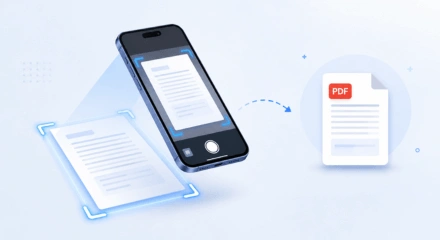
Scanning documents into PDF format is one of the most popular uses of PDF apps today. Whether you need to scan receipts, forms, contracts, or other paperwork, both Android and iPhone offer reliable document scanning tools.
Android
Android users commonly use:
- Google Drive Scanner
- Adobe Scan
- Microsoft Lens
iPhone
iPhone users can scan documents using:
- Notes App
- Files App
- Adobe Scan
Both platforms provide excellent document scanning capabilities.
Android vs iPhone PDF Apps: Quick Verdict
After comparing built-in tools, popular apps, PDF reading, editing, and scanning features, it’s easier to see where each platform excels. Here’s a quick summary to help you decide which option is right for you.
Choose iPhone if:
- You prefer built-in PDF tools
- You use Apple’s ecosystem regularly
- You want a simple PDF annotation without installing extra apps
Choose Android if:
- You prefer flexibility and customization
- You frequently use Google services
- You want a wider variety of PDF apps to choose from
For users who switch between Android and iPhone devices, Adobe Acrobat remains one of the most consistent options because it provides a similar PDF experience across both platforms.
Regardless of which platform you choose, you may still need tools to convert files, create PDFs from images, or reduce document size. Tasks such as PDF to Word conversion, JPG to PDF conversion, and PDF compression are common for both Android and iPhone users.
Overall, neither platform is clearly better for everyone. iPhone offers a more polished built-in PDF experience, while Android provides greater flexibility through third-party apps. The best choice depends on how you use PDF files and the ecosystem you prefer.
Common Mistakes to Avoid When Choosing a PDF App
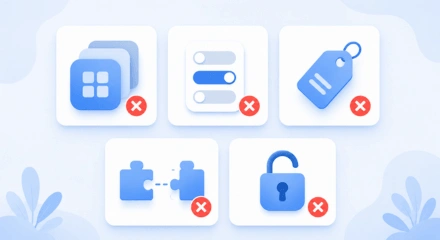
Choosing the right PDF app can save time and improve productivity. Avoid these common mistakes when selecting a PDF app for Android or iPhone.
Installing Multiple Similar Apps
Many users install several PDF apps that perform the same tasks. Instead, choose one reliable app that covers most of your PDF needs.
Ignoring Built-In Tools
Before downloading additional software, check whether your phone already includes the features you need. Built-in tools can often handle basic PDF tasks.
Choosing Based Only on Price
A free app is not always the best option. Features such as annotation, OCR, cloud sync, and form filling can save significant time.
Forgetting Cross-Platform Compatibility
If you regularly switch between Android and iPhone, choose an app that works consistently across both platforms. This helps create a smoother workflow.
Overlooking Security Features
PDF files often contain sensitive information. Always check whether the app offers secure file handling, password protection, or cloud security options.
Frequently Asked Questions
Still have questions about Android and iPhone PDF apps? Here are answers to some of the most common questions users ask.
Does iPhone have a built-in PDF editor?
Yes. iPhone includes Markup, which allows users to draw, highlight text, add signatures, insert shapes, and annotate PDF documents without installing additional apps.
Does Android have a built-in PDF editor?
Android does not include a universal PDF editor across all devices. Most Android phones support PDF viewing, but advanced editing typically requires a dedicated PDF app.
Is Adobe Acrobat available on both Android and iPhone?
Yes. Adobe Acrobat is available on both Android and iPhone and offers a consistent experience for viewing, editing, annotating, and signing PDF documents.
Which platform is better for PDF annotation?
iPhone has a slight advantage for casual annotation because of the built-in Markup tool. For advanced annotation, both Android and iPhone support powerful third-party PDF apps.
Can I use the same PDF app on Android and iPhone?
Yes. Many popular PDF apps, including Adobe Acrobat and WPS Office, are available on both Android and iPhone, making it easier to work across multiple devices.
Final Thoughts
Both Android and iPhone handle everyday PDF tasks well, but they approach them differently. iPhone offers a stronger built-in experience through Markup and Apple Books, while Android provides greater flexibility through a wider range of third-party apps.
The best choice depends on how you work with PDF files. Whether you mainly read documents, annotate notes, sign contracts, or edit files regularly, choosing one reliable PDF app will make managing PDFs much easier on any device.
No matter which platform you use, having access to reliable PDF tools makes document management easier. Need to convert, compress, merge, or organize PDF files online? Try PDFConveter’s free PDF tools and manage your documents in just a few clicks.
